
PrAeAI VFX for Premiere, After Effects & DaVinci ResolveBeta

Rotoscoping until 3amis a choice now.

Describe the shot. FXGenie swaps the background, relights it or adds the effect, right on your timeline.

  • 3-day trial, cancel any time
  • From 60 s a month
  • Mac and Windows
Try FXGenie for $1

One clip. Any shot.

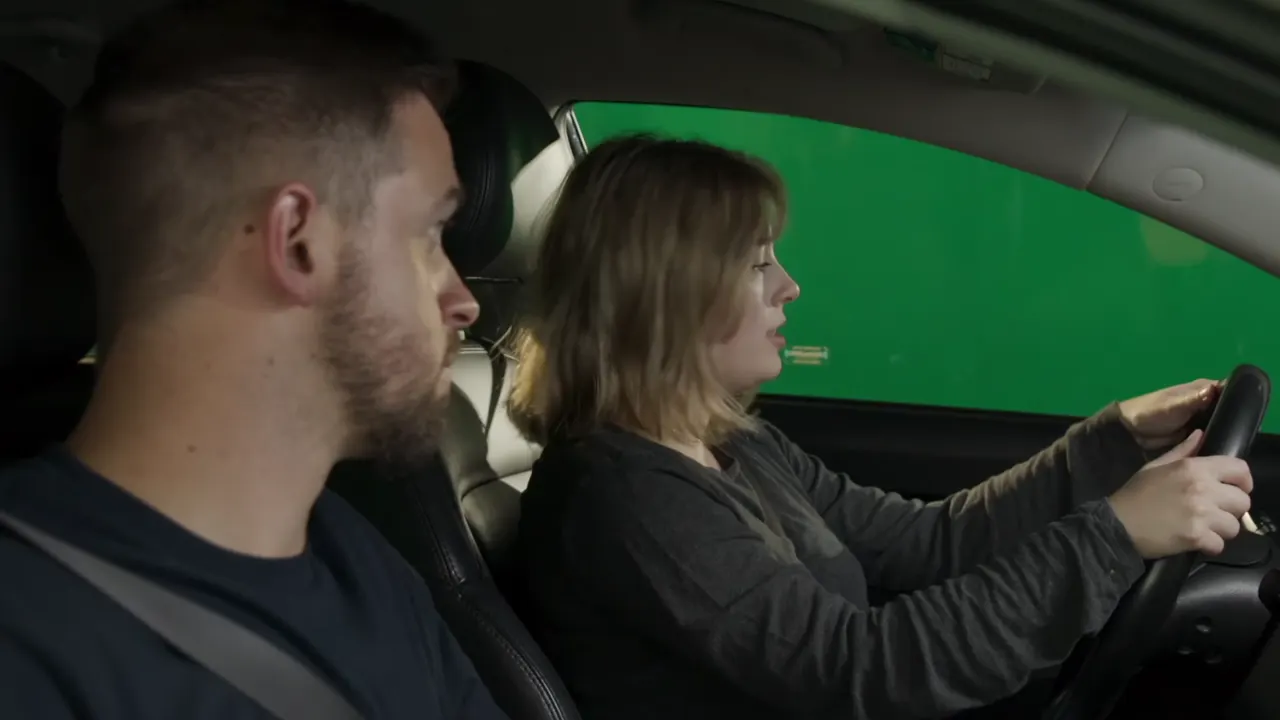
Drag across a shot to see what changed.

OriginalFXGenie

How it works

Three steps. One panel.

The shot, without the detour.

TaskThe usual wayWith FXGenie
New backgroundGreen screen, keying, edge fixesDescribe the place.
Fix the lightMasks, tracking, frame-by-frame gradingDescribe the light.
Add an effectA compositor or a 3D appDescribe the effect.
Get it backExport, upload, download, re-importLands above your clip.

Safe to try.

Secure checkout · Instant download

Footage stays private

Only the clip you pick is sent. Never used to train AI.

Original untouched

Results land on a new track. Nothing is deleted.

Seconds back on failure

A failed render gives its seconds back automatically.

7-day money-back

Can't run on your setup? Full refund.

Black NovemberToday’s prices end November 30. Plans go up December 1. 

Seconds every month. Try it for $1.

One second of clip uses one second, in every mode. Unused seconds carry over one month.

Creator

$19/month

Black November price $29/month from Dec 1

60 s every month ≈ 12 shots of 5 s

  • 1080p renders
  • Background, Relight and VFX
  • Premiere + After Effects + DaVinci Resolve Beta
  • One computer at a time
Try 3 days for $1

10 s to try, then $19 a month. Cancel any time.

Studio

$79/month

Black November price $119/month from Dec 1

250 s every month ≈ 50 shots of 5 s

  • 1080p, or upscaled to 4K
  • Background, Relight and VFX
  • Premiere + After Effects + DaVinci Resolve Beta
  • 2 computers at a time
Try 3 days for $1

10 s to try, then $79 a month. Cancel any time.

7-day money-back · Secure checkout

Before you buy.

More questions? support@raccotools.com

An AI VFX panel for Premiere Pro and After Effects, and an app for DaVinci Resolve (beta). Describe the change and the finished shot lands above your clip.

Premiere Pro 2020 or newer and After Effects 2024 or newer, on macOS and Windows. DaVinci Resolve, Free and Studio, is in beta through the FXGenie Helper app: send a clip from Workspace › Scripts, and the result comes back above it. Everything is included with your license.

Most shots take 2 to 5 minutes, depending on length and effect. The panel shows progress while it works, and you can keep editing.

No. Rendering happens in the cloud, so any computer that runs Premiere Pro, After Effects or DaVinci Resolve is enough. You need an internet connection while a shot renders.

As many as the clip is long, in every mode: a 5-second shot uses 5 seconds. Background and Relight render at 1080p, and you can have any shot upscaled to 4K at no extra cost. A plan's seconds go to any mix of effects.

No. Results go on a new track above your clip. Replace switches your original off underneath; switch it back on any time.

A plan's seconds arrive every month and carry over one month, so nothing is lost if you skip a few weeks. Seconds you add as packs never expire.

Monthly plans start with a 3-day trial for $1, with 10 seconds to try every effect. Keep it and the plan renews at its monthly price; cancel before the trial ends and nothing more is charged.

No. Only the clip you choose is sent, only to render your effect, and it is never used to train models.

Prysmor is now FXGenie and lives on RaccoTools. Your license and remaining credits (as seconds) move to a RaccoTools account with the same email: sign in, download the new installer and sign in from the panel.

If FXGenie cannot be made to work on a supported app and system, you get your money back within 7 days. Write to support@raccotools.com with your order email.

Your next shot
needs no VFX artist.

Sync the clip. Make a wish. Keep editing.

Try FXGenie for $1Also from RaccoTools: AdLab, the AI video editor
Secure payment